Setting up and maintaining your Google Business Profile
A Google Business Profile is free, is set up and verified once, and only stays useful if opening hours, services, photos and replies to reviews are kept up to date.
What you will know afterwards
- You know which details a profile needs from the start.
- You know the upkeep it needs day to day.
- You know how to handle reviews without breaking Google's rules.
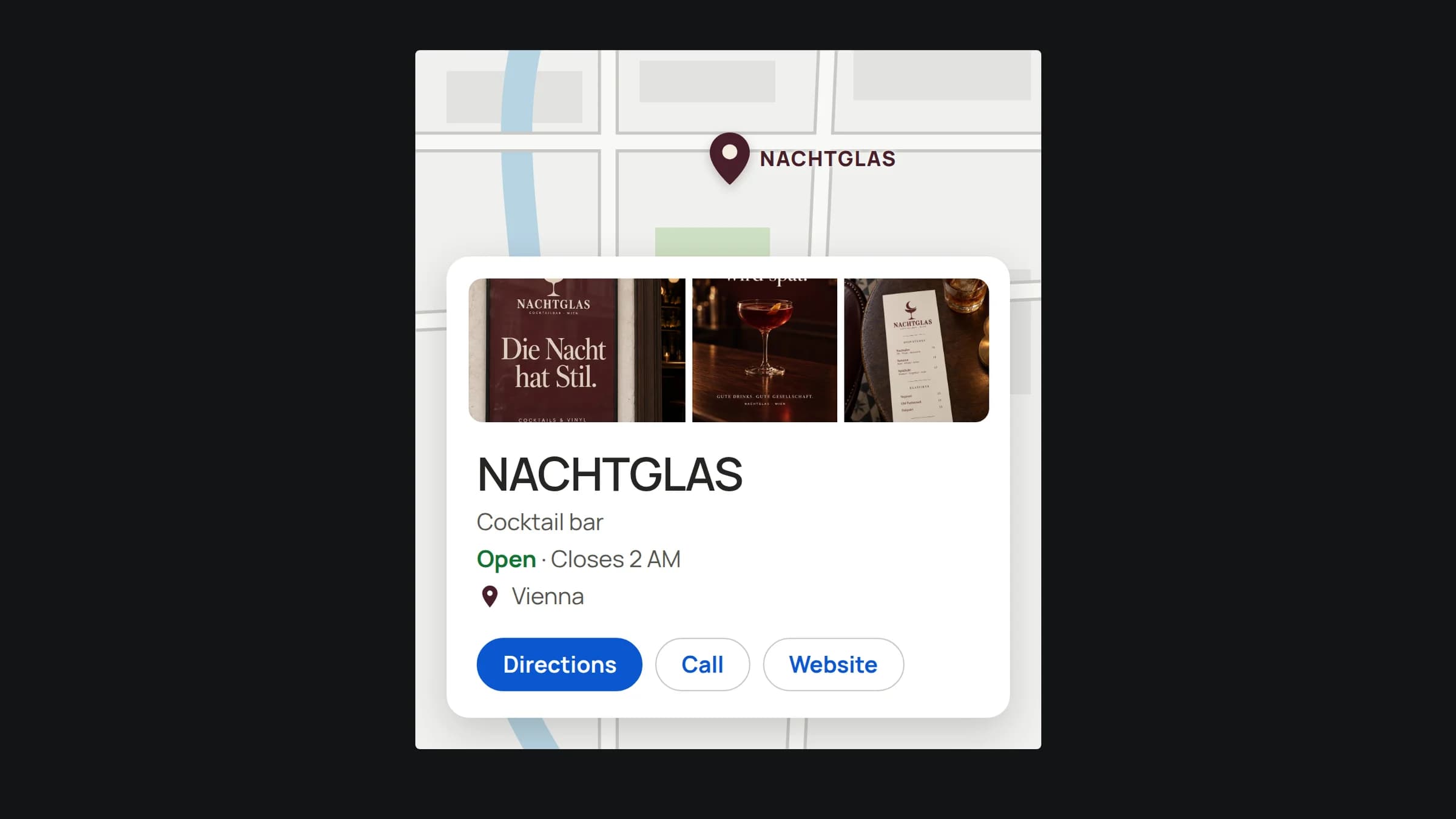
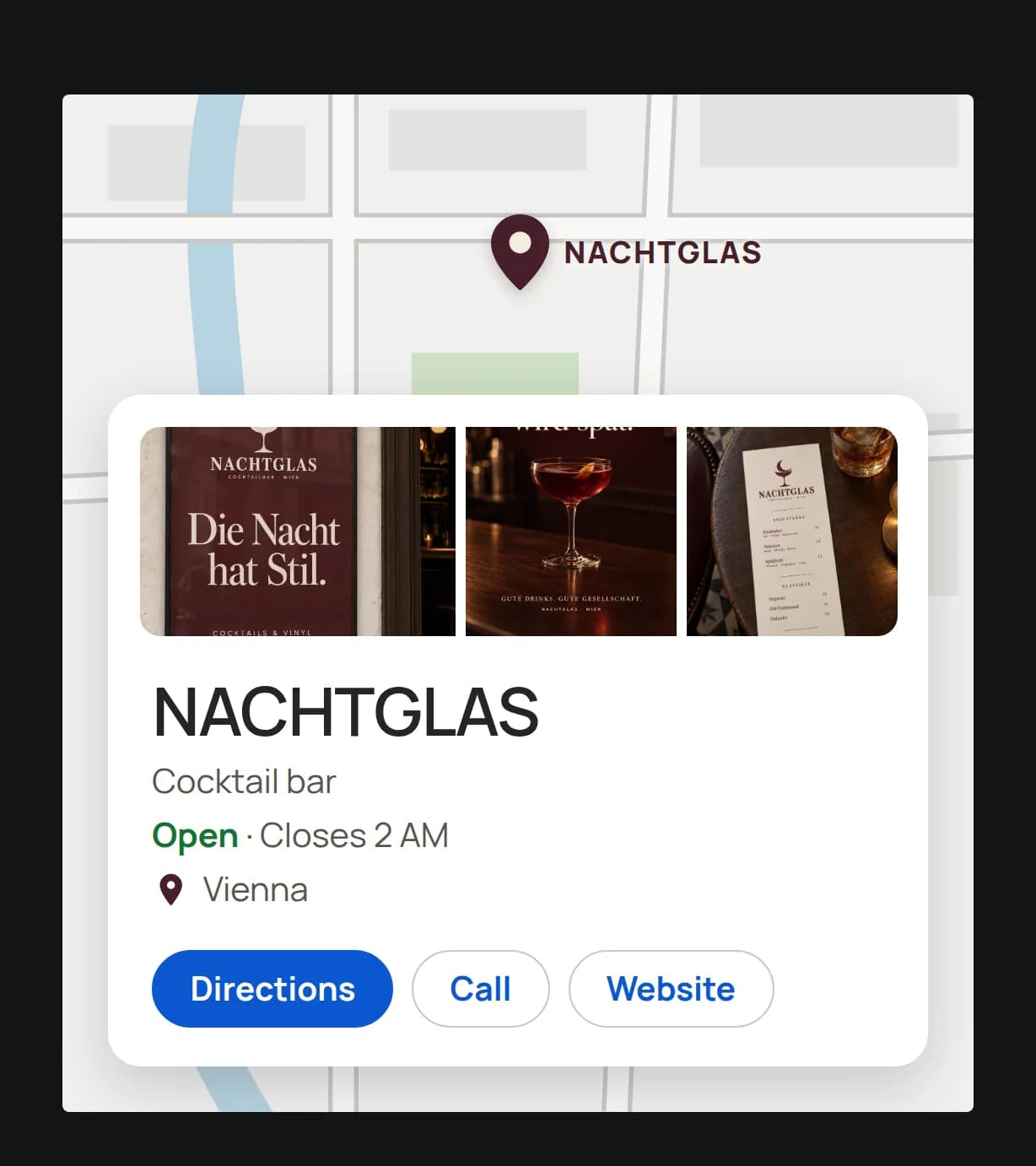
Anyone searching for "hairdresser near me" or for your business name often sees your Google Business Profile before your website: the listing with map, opening hours, photos, reviews and the buttons to call or get directions. For many local businesses, it is the most-viewed page they have online.
This post shows how to set up the profile, which details belong in it and what upkeep it needs afterwards.
Setting up: few details, but the right ones
You create the profile with a Google account, ideally one that belongs to the business rather than to one person. That way access is not lost when someone leaves. You can add more people as managers later.
Four details decide whether you are found:
- Name: exactly as it appears on your sign, invoices and website. Additions such as "best hairdresser Vienna" do not belong in the name and go against Google's guidelines.
- Primary category: the one category that describes your business most precisely. Further categories are possible; the primary one counts most.
- Address or service area: premises with an address, or an area if you travel to your customers.
- Phone and website: the same number and address as on your website.
Verifying: Google checks that you exist
Before a profile is fully visible, Google asks for verification. Google decides the method; it ranges from a call or an email to a short video showing your sign, premises and a proof document. Follow the instructions closely. Verification usually fails because details in the profile do not match what Google otherwise finds about the business.
Filling it in: what customers want to know before the first contact
A verified but empty profile wastes the space. Add:
- Opening hours, plus special hours for public holidays and closures. Nothing annoys more than a locked door under an "Open" label.
- Services or products with short descriptions, in your customers' words.
- Photos from outside so people find the entrance, from inside, of the team and of typical work. Real photos work better than stock images.
- A description in a few sentences: what you offer, for whom and where.
The details in the profile should match your website. If address, phone number or opening hours differ, neither customers nor the search engine know which is right. That also affects AI search, which combines such details.
Maintaining: a small routine instead of big campaigns
A profile does not need daily work, but it needs a fixed habit. A monthly check with three questions works well: Are opening hours and contact details still right? Are there new photos showing how things look now? Have all reviews been answered?
Also watch for suggested edits. Other people can suggest changes to your profile, and Google sometimes applies them. If you look in regularly, you notice a wrong phone number before it costs you calls.
Reviews: ask, but do not reward
For many searchers, reviews decide for or against a business. You may ask your customers for an honest review, for example with a link or a QR code at the till. Not allowed are incentives for reviews and selecting only satisfied customers to ask. Google prohibits both in its policies, and removed reviews or restrictions on the profile can follow.
Reply to reviews, including critical ones. A short, factual reply shows later readers how you deal with problems. Stay polite, do not mention the person's personal details, and offer a conversation if needed.
What the profile does not do
A profile does not replace a website. It answers the quick questions: where, when, how to reach you? For everything that needs explaining, such as prices, process and references, it points to your website. How profile, website and content work together is described in How to be found on Google and in AI search.
If you do not want to handle setup and upkeep yourself, bown sets up the profile, matches it with your website and looks after it on an ongoing basis if you wish. We agree the scope in a 30-minute first call.
Frequently asked questions
Does the Business Profile cost anything?
No. The profile itself is free on Google. Costs only arise if you hand setup and upkeep to someone else.
Do I need an address with business premises?
Not necessarily. If you travel to your customers, you can specify a service area instead of an address and hide the address.
Why is my profile not being verified?
Usually because details do not match, such as name, address or category. Check that everything matches your sign, website and company register entry, and follow the method Google suggests.
How often do I need to look after the profile?
Check it once a month and whenever opening hours, services or contact details change. New reviews are best answered within a few days.