Is your website too slow? Core Web Vitals explained.
Core Web Vitals are three Google metrics for loading (LCP), responding to input (INP) and content shifting around (CLS); good means at most 2.5 seconds, 200 milliseconds and a score of 0.1.
- Written by
- David Nawloka
- Responsible editor
- David Nawloka
- Published
7 min read
What you will know afterwards
- You know what LCP, INP and CLS measure and which values Google rates as good.
- You can check your website yourself with PageSpeed Insights and Search Console.
- You know the most common slowdowns and when a rework is enough.
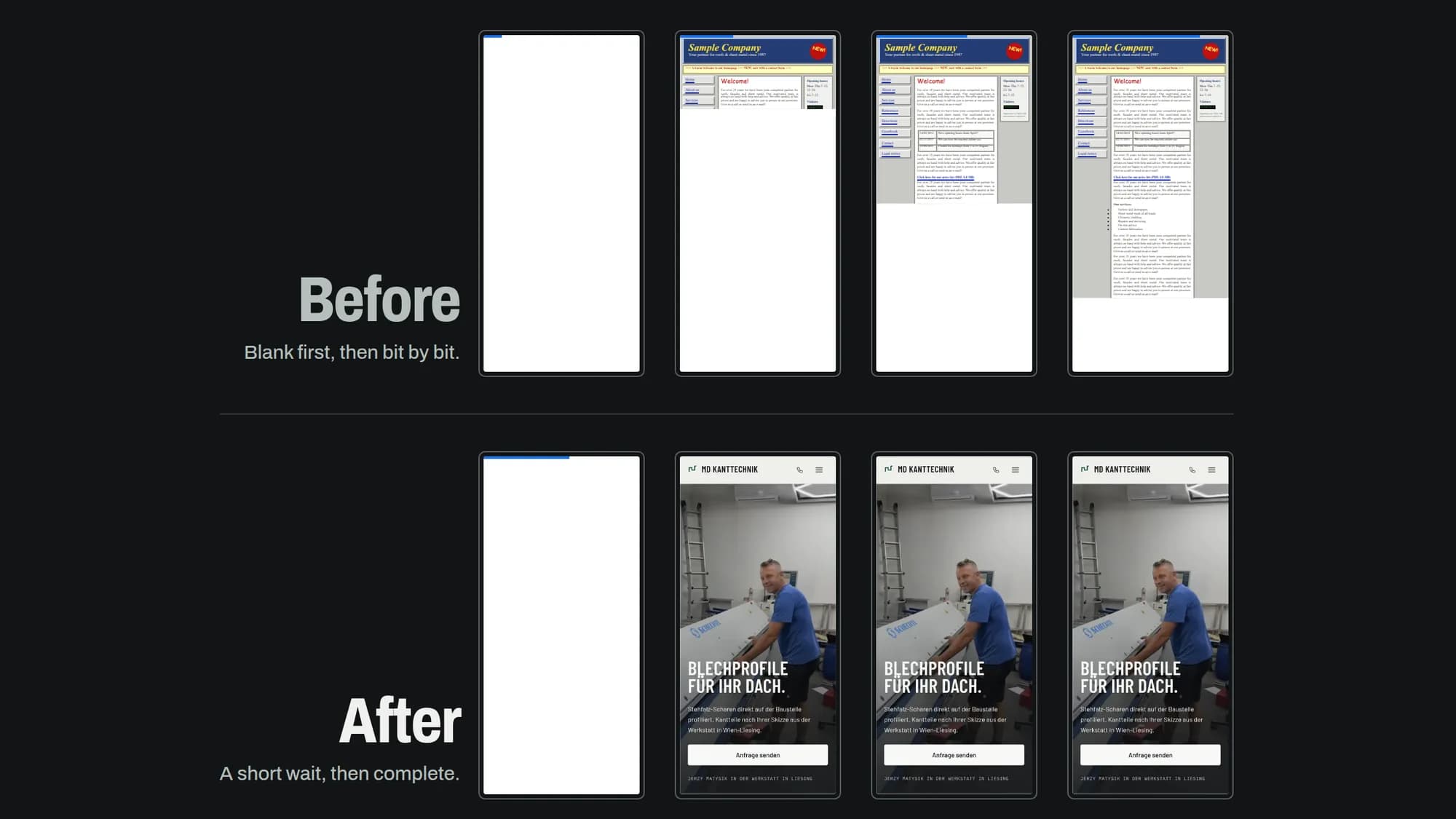
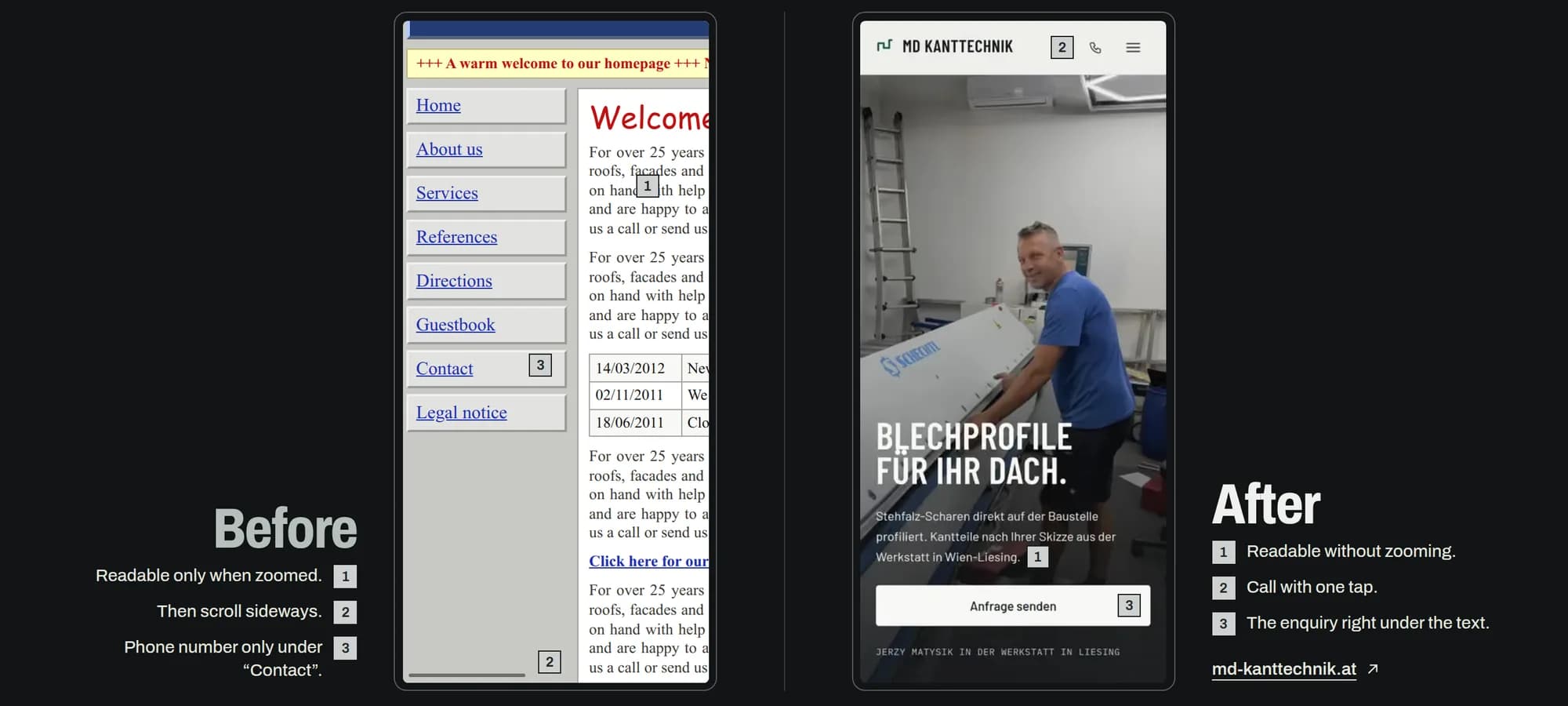
You hardly notice a slow website yourself, because you open it on the office Wi-Fi and the browser has already stored much of it. Your customers open it for the first time, on a phone, on the go. To make that experience measurable, Google has defined three metrics: the Core Web Vitals.
This article explains what the three values mean, when a page counts as slow, how to check your own website for free and what usually slows down the sites of smaller businesses. It is based on Google's own documentation and the Search Console help pages, as of 20 October 2026.
What does Core Web Vitals mean?
Core Web Vitals are three metrics from Google's "Web Vitals" initiative. Each stands for one part of the user experience:1
- Largest Contentful Paint (LCP) measures loading: how long it takes until the largest visible element appears, usually an image, a video or a large block of text.2
- Interaction to Next Paint (INP) measures responsiveness: how quickly the page visibly reacts when someone taps, clicks or presses a key.1
- Cumulative Layout Shift (CLS) measures visual stability: how much content moves during a visit, for example when an image loads late and pushes the text below it away.1
Older guides still mention "FID". INP replaced it as a Core Web Vital on 12 March 2024.3
When is a website too slow?
Google sorts each value into three bands. Search Console uses these limits:2
| Metric | Good | Needs improvement | Poor |
|---|---|---|---|
| LCP | up to 2.5 s | up to 4 s | over 4 s |
| INP | up to 200 ms | up to 500 ms | over 500 ms |
| CLS | up to 0.1 | up to 0.25 | over 0.25 |
What counts is not the best visit but the 75th percentile: three out of four page loads must reach the value, separately for phones and computers.1 A page passes the assessment only if all three values are good.4 In Search Console, the worst of the three values sets the status of a group of pages.2
An example: if the large photo on your home page appears within 2.5 seconds for three out of four visits, the LCP is good. If it takes longer for every fourth visit, it is exactly that slower share that counts.
How to measure your website's Core Web Vitals
Two free Google tools are enough for your own check.
PageSpeed Insights shows two kinds of data for an address. At the top, if available, is the field data: values from real Chrome visits over the last 28 days, from the Chrome User Experience Report (CrUX).4 Below is a lab test with Lighthouse, which replays the page load once under fixed conditions and suggests improvements.4 According to Google, the lab test is useful for debugging but may miss real-world bottlenecks; the field data shows the actual experience.4
Smaller websites often have no field data. If a single page has too few visits, PageSpeed Insights shows the values for the whole website; if even that is not enough, there is no field data at all.4 The lab test is then the best guide.
Search Console has its own Core Web Vitals report. It sorts your pages into good, needs improvement and poor, separately for mobile and desktop, and groups similar pages together.2 It is also based on real usage data and only shows indexed pages.2 If it says that no data is available, either the property is new or CrUX does not hold enough data.2
Check the mobile version first. Problems usually show there sooner, and that is where most of your customers look up opening hours, the address or the phone number.
What usually slows a small website down
The causes on smaller businesses' websites are rarely exotic. Google and WordPress name the same points again and again in their documentation.
Images that are too large. The largest element on a page is often a photo. A smaller file, through stronger compression or a more modern format such as WebP or AVIF, shortens that image's load time according to Google; for the LCP to actually drop, the image must not be requested too late either.5 A common mistake is to delay the most important image at the top of the page with "lazy loading".5 Google also names images without a set width and height as one of the most common causes of shifting content.6
Extensions and third-party scripts. The browser has to load every script and then process it before it runs. That work can delay the reaction to input and so worsen INP.7 For WordPress, the official documentation names the number and performance of plugins and the theme as a major factor; deactivating and deleting unneeded plugins is a significant step.8 Embedded ads, maps and widgets without reserved space also make the page shift.6
Hosting and server. Before anything is displayed, the server has to answer. According to Google, a slow answer can make a good LCP hard or even impossible, for example through several redirects, a server far away from visitors or content that cannot be cached.5 The WordPress documentation explicitly counts the hosting environment among the factors.8 What makes good hosting is explained in Where your website lives.
Outdated software. WordPress also counts keeping up with updates as part of performance.8 What this ongoing care looks like is described in What website maintenance covers.
How important are Core Web Vitals for Google?
Google explicitly recommends good Core Web Vitals and states that its ranking systems use them.910 In the same breath, Google qualifies this: good values in Search Console or other tools do not guarantee top positions, and chasing a perfect score just for SEO may not be the best use of your time.10 Google says it always shows the most relevant content, even if the page experience is sub-par; only when many equally helpful pages are available can a good experience make the difference.10
For a business, this means: the values are a required part of SEO, but no substitute for good content. What else counts is in How to be found on Google and in AI search. The more important reason for a fast site is your visitors anyway.
Making a website faster: rework or rebuild?
Many loading problems can be fixed without rebuilding the website. Shrinking images, removing unused extensions, reserving space for images and embeds and checking the hosting: that is a typical rework.
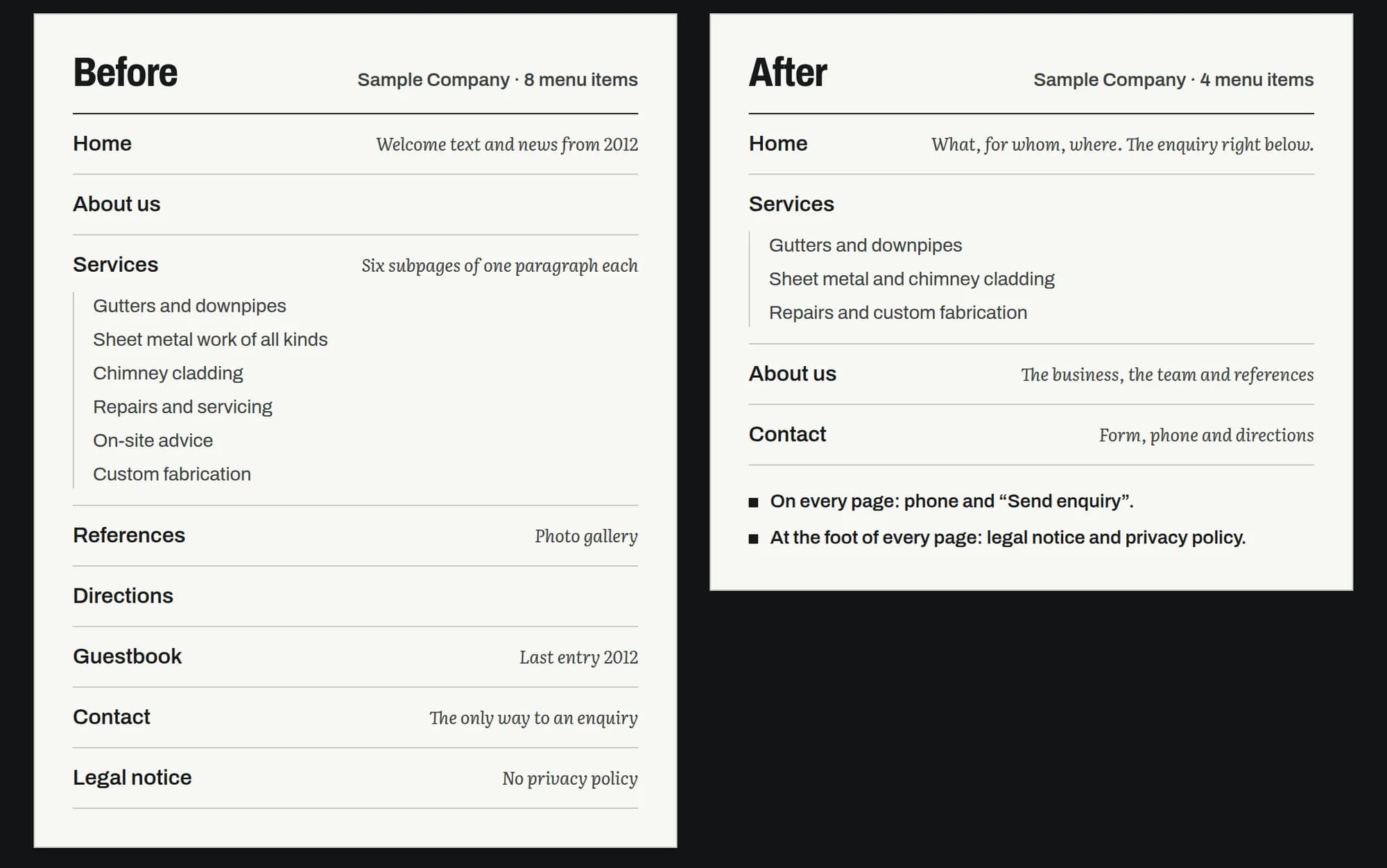
A rebuild pays off more when the foundation itself is the bottleneck: a theme or site builder that loads a lot of code on every page, a website that is not responsive on a phone, or software that has not been updated for years. What your website has to do beyond that is explained in What a website for a small business has to do.
What follows
Open PageSpeed Insights, enter your home page and look at the mobile values first. If LCP, INP and CLS are good, speed is not your most urgent issue. If they are amber or red, the lab test's hints show where to start: usually with images, extensions or the server.
If you would like help with that: in a website rework we look at your website's loading time, structure and technology and tell you openly whether reworking or rebuilding makes more sense.
Notes
-
web.dev (Google), "Web Vitals", last updated 31 October 2024, accessed 20 October 2026. 2 3 4
-
Search Console Help, "Core Web Vitals-Bericht" (German version of the Core Web Vitals report help page), accessed 20 October 2026. The page carries no date. 2 3 4 5 6
-
web.dev (Google), "Interaction to Next Paint becomes a Core Web Vital on March 12", 31 January 2024, accessed 20 October 2026.
-
Google for Developers, "About PageSpeed Insights", last updated 21 October 2024, accessed 20 October 2026. 2 3 4 5
-
web.dev (Google), "Optimize Largest Contentful Paint", last updated 31 March 2025, accessed 20 October 2026. 2 3
-
web.dev (Google), "Optimize Cumulative Layout Shift", last updated 7 February 2025, accessed 20 October 2026. 2
-
web.dev (Google), "Optimize Interaction to Next Paint", last updated 2 September 2025, accessed 20 October 2026.
-
WordPress Developer Resources, "Optimization", accessed 20 October 2026. 2 3
-
Google Search Central, "Understanding Core Web Vitals and Google search results", last updated 10 December 2025, accessed 20 October 2026.
-
Google Search Central, "Understanding page experience in Google Search results", last updated 22 September 2026, accessed 20 October 2026. 2 3
Frequently asked questions
What does Core Web Vitals mean?
The term covers three metrics Google uses to describe the experience on a page, measured with real visitors. They stand for loading, responsiveness and visual stability.
Is the performance score in PageSpeed Insights the same as the Core Web Vitals?
No. The score comes from a single lab test. The Core Web Vitals are based on real visits over the last 28 days, if there are enough of them.
Why does Search Console show no data for my site?
Either the property is new, or the Chrome User Experience Report holds too little data. That is common for small websites with few visits; the lab test in PageSpeed Insights helps instead.
Will better values move me up on Google?
Not automatically. Google uses Core Web Vitals in ranking, but says itself that good values do not guarantee a top position. Relevant content matters more.
Do I need a completely new website to make it faster?
No. Reworking images, extensions and hosting is often enough. A rebuild pays off more when the technical foundation itself is the problem.
Sources
- 1Web Vitalsweb.dev (Google), accessed 20 October 2026
- 2Core Web Vitals-BerichtSearch Console Help, accessed 20 October 2026
- 3Interaction to Next Paint becomes a Core Web Vital on March 12web.dev (Google), accessed 20 October 2026
- 4About PageSpeed InsightsGoogle for Developers, accessed 20 October 2026
- 5Optimize Largest Contentful Paintweb.dev (Google), accessed 20 October 2026
- 6Optimize Cumulative Layout Shiftweb.dev (Google), accessed 20 October 2026
- 7Optimize Interaction to Next Paintweb.dev (Google), accessed 20 October 2026
- 8OptimizationWordPress Developer Resources, accessed 20 October 2026
- 9Understanding Core Web Vitals and Google search resultsGoogle Search Central, accessed 20 October 2026
- 10Understanding page experience in Google Search resultsGoogle Search Central, accessed 20 October 2026