Cookie banners in Austria: when tracking, the Meta Pixel and consent require one
A cookie banner is mandatory in Austria as soon as your website uses cookies or similar techniques that are not technically necessary, such as the Meta Pixel, Google Analytics or advertising cookies: under § 165(3) TKG 2021 these may only run after active consent, and “Reject” has to be as easy as “Accept”.
- Written by
- Manuel Gut
- Responsible editor
- Manuel Gut
- Published
7 min read

What you will know afterwards
- You know when your website needs a cookie banner and when it does not.
- You know the Data Protection Authority's rules for buttons, wording and withdrawal.
- You know what the Meta Pixel, Google Analytics and Consent Mode do before and after consent.
Anyone advertising on Instagram, Facebook or Google wants to know what happens on the website afterwards. Many install the Meta Pixel or Google Analytics for that, and at the latest then the question of the cookie banner comes up. Austria has its own legal basis for it, and a Data Protection Authority that has described quite precisely what it expects.
This post sums up what the law, the Data Protection Authority, Meta and Google themselves have published on the subject, as of 20 October 2026. It is not legal advice: for your specific website, ask a lawyer if in doubt.
Is a cookie banner mandatory in Austria?
Not for every website, but for almost every one that measures or advertises. The legal basis is § 165(3) of the Telecommunications Act 2021 (TKG 2021). Under it, collecting such data is only permitted if the user has given consent “actively and on the basis of clear and comprehensive information”.1 The exception is what is strictly necessary for a service the user explicitly asked for to work.1
The Data Protection Authority sums it up like this: cookies may only be set or read without consent if they are technically necessary. For all others, consent has to be obtained, and before they are set.2 If a website uses no cookies that are not technically necessary, it needs neither consent nor a cookie banner, according to the authority.2
Important for anyone thinking of “cookieless tracking”: according to the Data Protection Authority, the rule applies not only to cookies but generally to storing data on a device and accessing it.2
Which cookies are technically necessary?
Neither the law nor the EU directive contains a list. The Data Protection Authority gives these examples of what is necessary:2
- session management, such as a shopping basket or the login status,
- entries in a form that spans several pages,
- the stored choice in the cookie banner itself, as long as no unique identifier is assigned for it.
In its view, services that record and analyse visitors' behaviour are not necessary, in particular plugins from social networks and advertising networks that transfer data to third parties.2 An economic reason does not make a cookie necessary either: in 2019 the Federal Administrative Court ruled that advertising cookies do not become technically necessary because advertising finances the website.2
For the Meta Pixel, Google Analytics and remarketing this means: they need consent.
What does a cookie banner have to look like?
The conditions for consent come from the GDPR. It defines consent as a freely given, informed and unambiguous indication of wishes by a clear affirmative action (Art. 4(11)), and withdrawing it must be as easy as giving it (Art. 7(3)).3 The Data Protection Authority has derived concrete rules for cookie banners from this:2
- Ask first, then set: no cookies that are not technically necessary run before consent.
- No silent consent: continuing to browse without a click, a hidden button or the cookie setting in the browser do not count as consent.
- Nothing preselected: pre-ticked boxes are not allowed.
- Rejecting as easy as accepting: declining must not take more clicks than agreeing, so not only on the second or third layer.
- No nudging: the button to decline must not be designed or placed less prominently.
- No exclusion: anyone who does not agree may in principle still use the website.
- Withdrawal explained: the banner says where and how consent can be withdrawn.
The first layer should also state who is responsible, exactly what the data is used for, that consent is the legal basis and that it can be withdrawn at any time. The details follow in the linked privacy policy.2 The authority does not advise against ready-made banner tools, but warns against adopting them without checking.2
That the authority enforces this is shown by a decision on the cookie banner of orf.at, which it has published; at the time of publication it was not final.4
The Meta Pixel and the GDPR: what may happen before consent
Meta writes in its documentation that each company is responsible for its own compliance with the GDPR.5 For the pixel, Meta provides a function that pauses sending to Meta until consent is given: fbq('consent', 'revoke') before the pixel starts on every page, fbq('consent', 'grant') after consent.5 According to Meta, the pixel receives, among other things, HTTP headers with the IP address and the page visited, the pixel ID together with the Facebook cookie, and data on buttons clicked.5
That is also why the Data Protection Authority holds website operators responsible: whoever installs such services is, in its view, at least partly responsible under data protection law, even if they never see the profiles the advertising network builds.2
For retargeting, meaning ads shown to people who have already visited your website, the pixel is the prerequisite. Anyone who declines in the banner cannot enter such an audience through the website.
Google Analytics and Consent Mode
Google requires businesses that use its products on their own website to give certain disclosures to, and obtain consent from, users in the European Economic Area; according to Google, failing to do so risks the product being limited or suspended.6
Consent Mode is Google's way of passing the choice made in the banner on to its own tags. It does not replace the banner: obtaining consent remains your job, according to Google.7 There are two versions:7
- Basic: the Google tags only load after a choice in the banner. If someone declines, nothing at all is sent to Google, not even the refusal.
- Advanced: the tags load straight away. As long as there is no consent, they write no cookies but send measurements without cookies to Google, such as a timestamp, the browser's user agent and the referring page. Google models missing conversions from these.
Google itself writes that data is already sent when loading with the default “denied”.7 Whether that is compatible with § 165 TKG 2021 is not answered by Google's documentation; the basic version is the more cautious choice. Which version suits your website is worth clarifying with your legal adviser.
What still works without consent
More remains without consent than many think:
- Technically necessary cookies for the basket, login, multi-page forms and the banner choice itself.2
- The ads themselves: Meta and Google keep delivering your ads; what is missing is only the link between website visit and ad for those who declined.
- Asking directly: a “How did you hear about us?” field in the contact form or a dedicated promo code in the ad shows where enquiries come from, without any tracking.
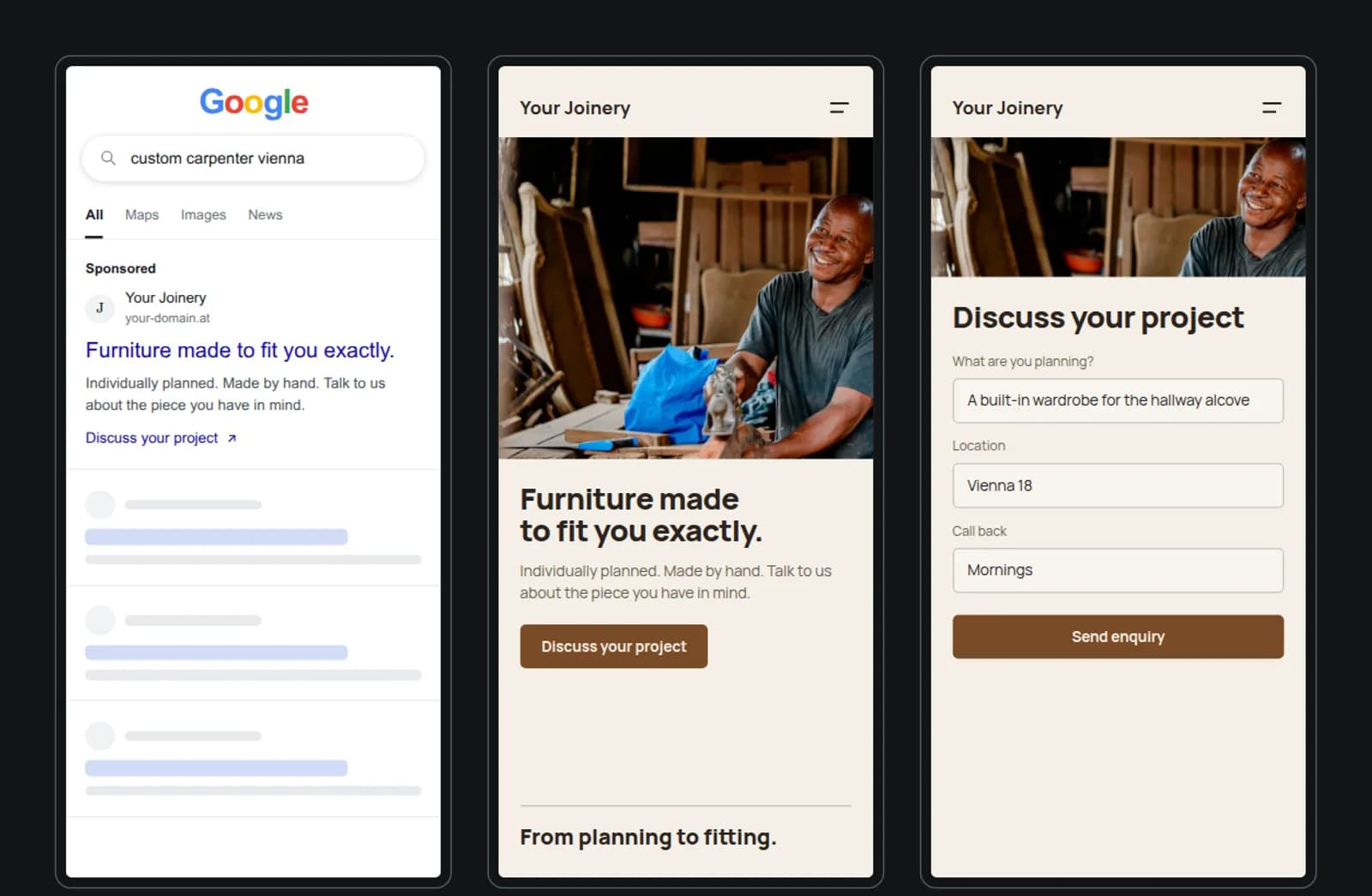
So expect your figures in Meta and Google never to be complete. Judge a campaign by enquiries and bookings, not only by what the pixel reports. How to plan a budget for it is in A marketing budget that fits your business, and which channel fits your business in Meta Ads or Google Ads.
What a breach can cost
The telecommunications authorities are responsible for breaches of § 165(3) TKG 2021. If the cookies lead to personal data being processed, the Data Protection Authority is responsible as well.2 For breaches of the conditions for consent, the GDPR provides for fines of up to 20 million euros or up to 4 % of worldwide annual turnover, whichever is higher (Art. 83(5)).3 These are upper limits, not typical amounts.
In short
- Check which services your website loads: pixels, analytics, embedded videos, maps, fonts from third-party servers.
- Anything that is not technically necessary starts only after a click on “Accept”.
- “Reject” is equally visible on the first layer, nothing is preselected, withdrawal is always within reach.
- Pixel and Google tags are set up to respect the choice made in the banner.
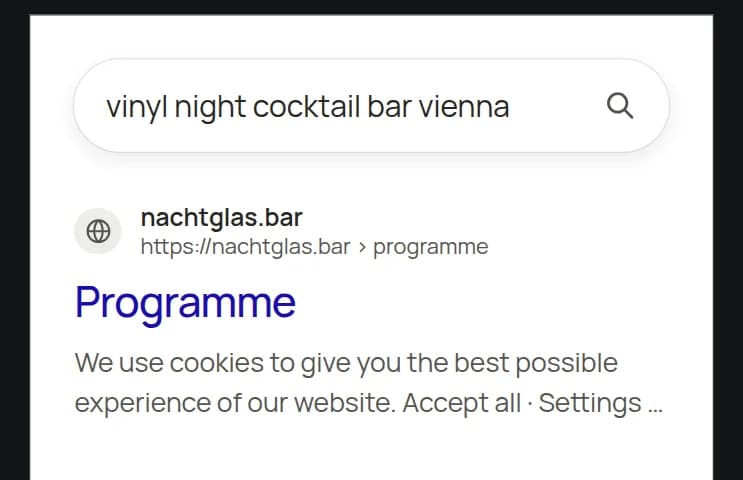
What else a website has to do is described in What a website has to do. If your site is meant to be found, also give every page its own description so that Google does not show the banner text; more under SEO.
bown plans and runs campaigns on Instagram and Facebook and sets up the measurement for them so that it respects the choice made in the cookie banner. Whether and how retargeting makes sense for your business, we clarify in a 30-minute first conversation.
Notes
-
RIS, “Telekommunikationsgesetz 2021, § 165”, current consolidated version, accessed 20 October 2026. 2
-
Austrian Data Protection Authority, “FAQ: Datenschutz & Cookies”, accessed 20 October 2026. The FAQ refer to the authority's decision of 30 November 2018 (DSB-D122.931/0003-DSB/2018) and the Federal Administrative Court's ruling of 12 March 2019 (W214 2223400-1). 2 3 4 5 6 7 8 9 10 11 12
-
EUR-Lex, “Regulation (EU) 2016/679 (General Data Protection Regulation)”, Art. 4(11), Art. 7(3) and Art. 83(5), accessed 20 October 2026. 2
-
Austrian Data Protection Authority, “Bescheid der Datenschutzbehörde zum Cookie-Banner von www.orf.at”, accessed 20 October 2026.
-
Meta for Developers, “General Data Protection Regulation” (Meta Pixel), accessed 20 October 2026. 2 3
-
Google for Developers, “Consent mode overview”, last updated 30 July 2026, accessed 20 October 2026. 2 3
Frequently asked questions
Do I need a cookie banner if I only use technically necessary cookies?
No. According to the Data Protection Authority, without cookies that are not technically necessary, no consent and therefore no cookie banner is needed. You still have to inform visitors in your privacy policy if personal data is processed.
Does there have to be a “Reject” button on the first layer?
The Data Protection Authority requires that declining consent takes no more clicks than giving it. If visitors can only decline on a second or third layer, in its view no valid consent is obtained.
May the “Accept” button be highlighted in colour?
There is no fixed colour rule; the authority assesses each case. But if the button to decline is less visible than the button to accept, the consent can be invalid.
How often do I have to show the banner again?
Neither § 165 TKG 2021 nor the Data Protection Authority's FAQ names a period. What matters is that consent can be withdrawn at any time as easily as it was given, for example through a link that is always visible.
Who checks whether my banner is compliant?
The telecommunications authorities (Fernmeldebehörden) are responsible for breaches of § 165(3) TKG 2021. If the cookies lead to personal data being processed, a complaint can also be filed with the Data Protection Authority.
Sources
- 1Telekommunikationsgesetz 2021, § 165RIS, Federal Chancellery of Austria, accessed 20 October 2026
- 2FAQ: Datenschutz & CookiesAustrian Data Protection Authority, accessed 20 October 2026
- 3Regulation (EU) 2016/679 (General Data Protection Regulation)EUR-Lex, accessed 20 October 2026
- 4Bescheid der Datenschutzbehörde zum Cookie-Banner von www.orf.atAustrian Data Protection Authority, accessed 20 October 2026
- 5General Data Protection Regulation (Meta Pixel)Meta for Developers, accessed 20 October 2026
- 6EU user consent policyGoogle, accessed 20 October 2026
- 7Consent mode overviewGoogle for Developers, accessed 20 October 2026